How to Fix the Shortcut Not Appearing in the Share Sheet
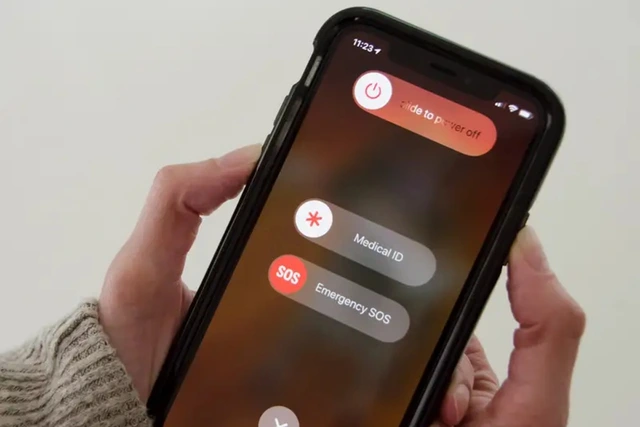
When you tap Share and don't see AIO Downloader even though you've already added this shortcut, it's usually caused by a common iPhone issue where all shortcuts disappear from the Share Sheet.
The fix is simple: restart your iPhone (turn it off and back on), then check the Share Sheet again to see if the shortcut appears. If it still doesn't show up, repeat the restart process until the shortcut becomes visible.